
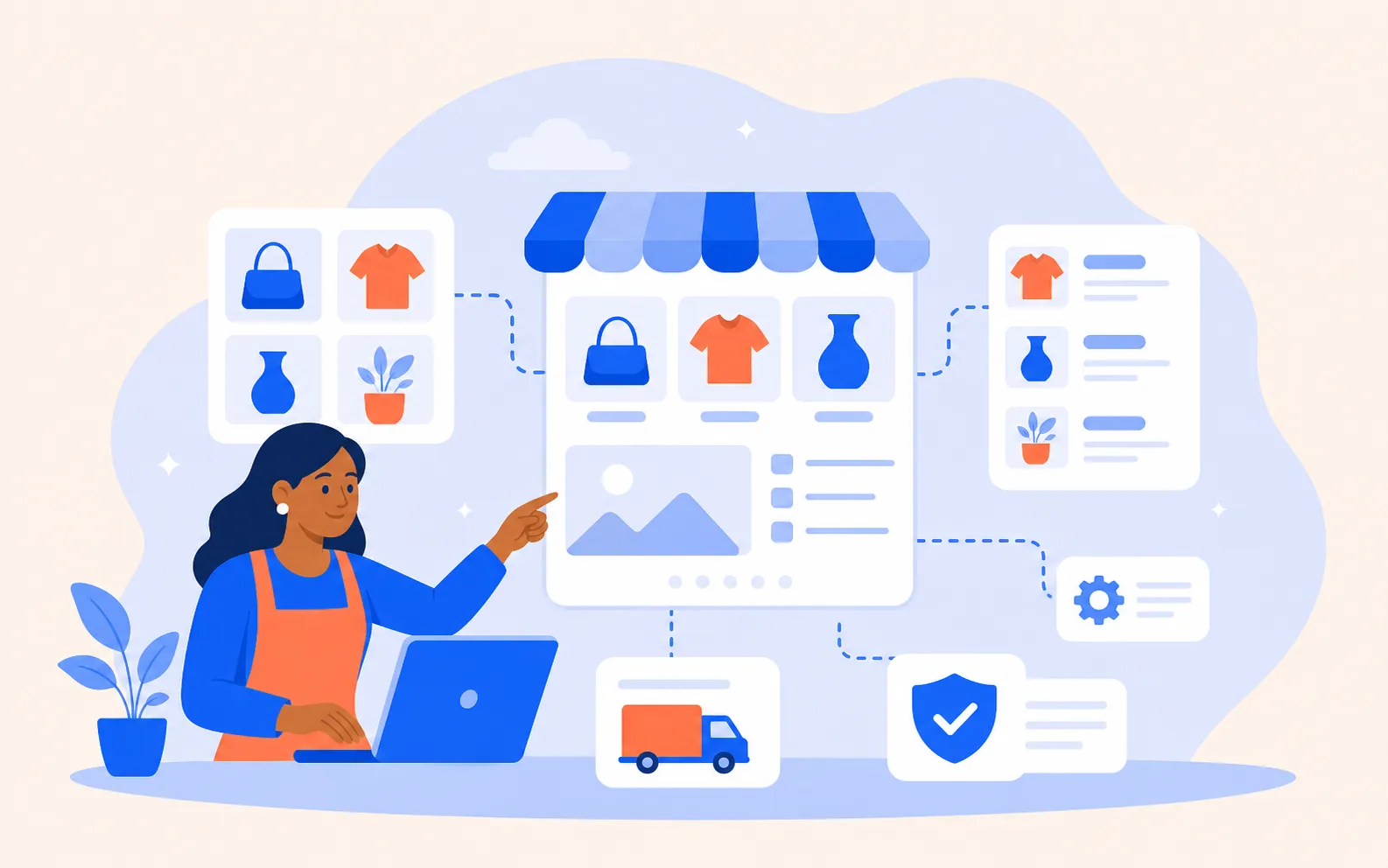

How we build a connected store
Plan the store around the way you sell
Map products, categories, variations, bundles, shipping rules, policies, and the pages that support purchasing decisions.
Build the customer-facing store
Create home, shop, category, product, cart, checkout, account, policy, and support paths with mobile shoppers in mind.
Connect the business systems
Connect approved payment, shipping, tax, email, inventory, analytics, product-feed, marketplace, social-commerce, and POS systems that genuinely support the store.
Give the owner a usable operating system
Set editing responsibilities, document core tasks, provide training, and preserve owner access to accounts and key credentials.
Launch, measure, improve
Verify checkout, forms, email, tracking, performance, search basics, feeds, and mobile usability—then improve using real behavior.

Why WooCommerce is often practical
WooCommerce is not the answer to every e-commerce problem. It is often right when a business needs a store that can grow through proven payment, shipping, marketplace, social-commerce, subscription, booking, product-feed, and reporting integrations while keeping WordPress content and store management in one familiar environment.